Download App
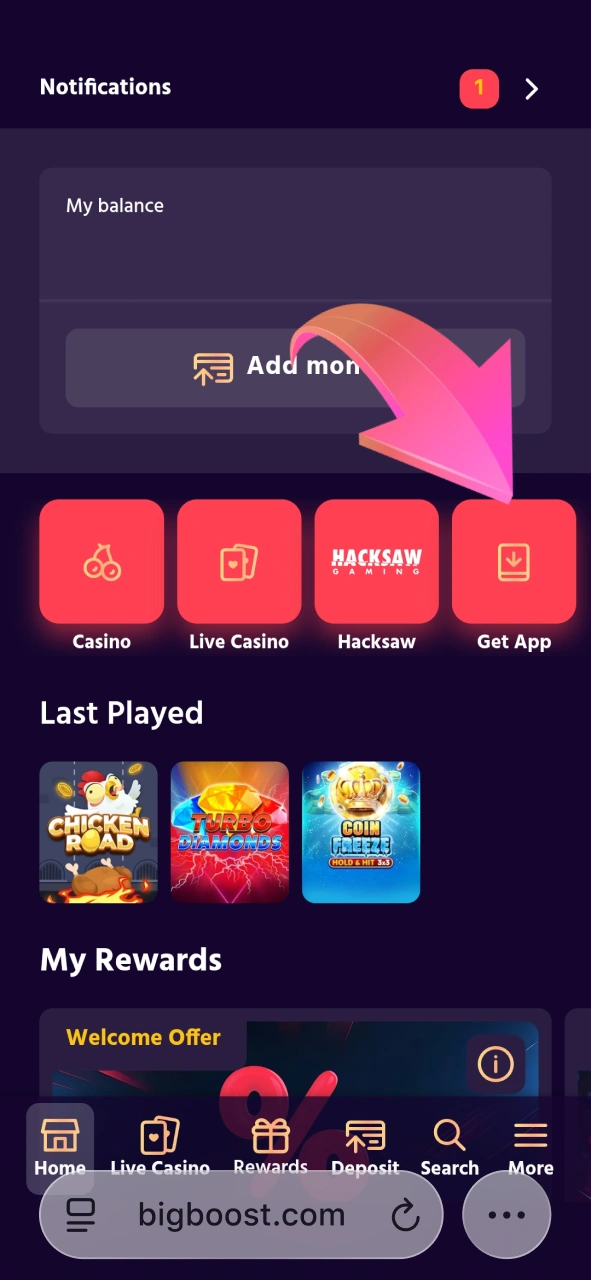
Click the “Download BigBoost App” button to start the download.

Welcome Bonus – up to 20% Daily Cashback
Indian users can download the latest version of the Big Boost app directly from our official website. It gives full access to casino games, account management, deposits, and withdrawals on the go. The Android version works smoothly, while iOS users can enjoy a convenient PWA version through their browser. The app is secure, fast, and perfectly adapted for mobile play.
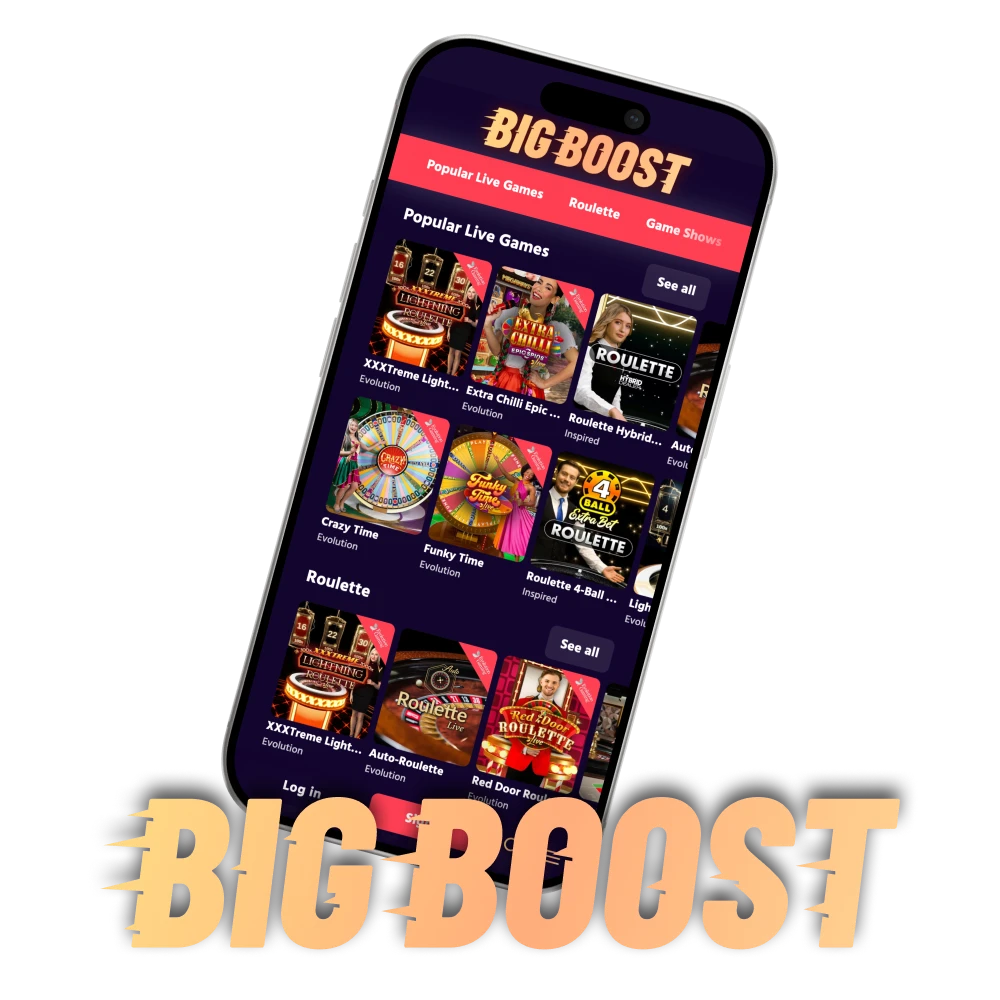
Big Boost is an excellent and highly optimized Android app that runs as fast as possible, even on older devices. Despite the low system requirements, you get fast access to your account, full balance management, and the ability to play slots and Big Boost live casino games anytime, anywhere. The app is owned by White Star B.V., which holds an international Curaçao license (No. OGL/2023/159/0076).
Look for more details about Big Boost mobile app in the table below:

Welcome Bonus 200% up to 100,000 INR for the first three deposits
| Supported operating system: | Android 11.0+ |
| Developer: | White Star B.V. |
| Application License: | Curaçao license No. OGL/2023/159/0076 |
| Slots: | Crazy Time, Lightning Roulette, and MONOPOLY Live etc. |
| Big Boost app Live Games: | Teen Patti, Casino Hold’em, Blackjack, Roulette, Baccarat, and more |
| Language: | English, French, Finnish, Norwegian |
| Available on the Play Market: | No |
| Available on the App Store: | No |
| Cost of loading: | Free |
| Auto update notifications: | Yes |
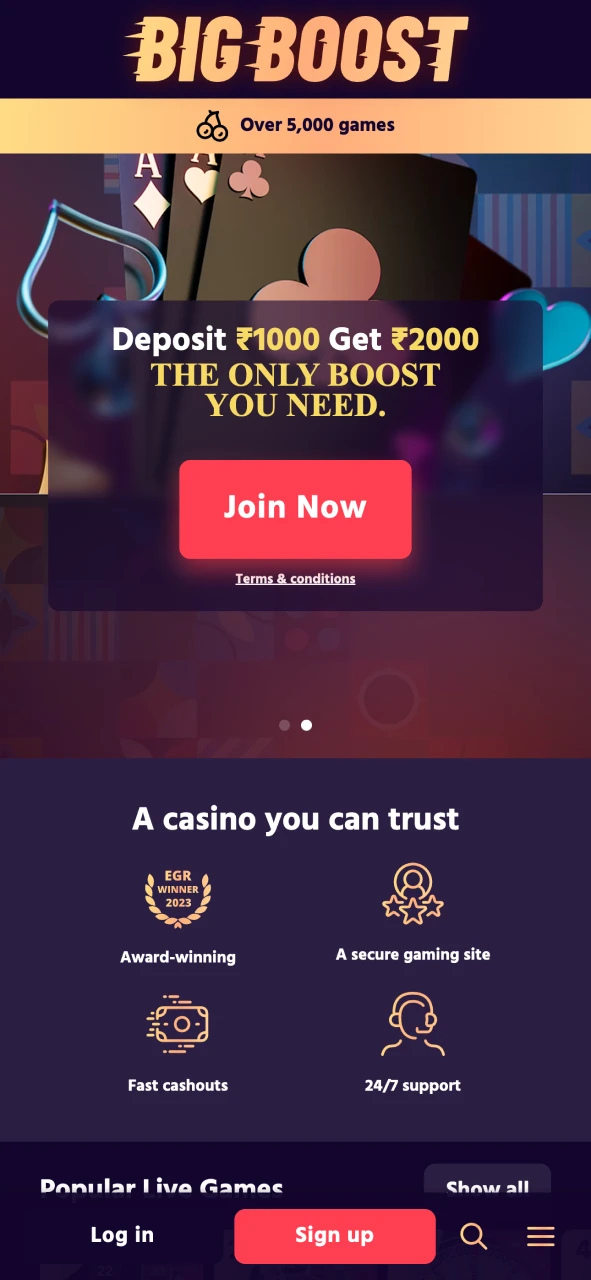
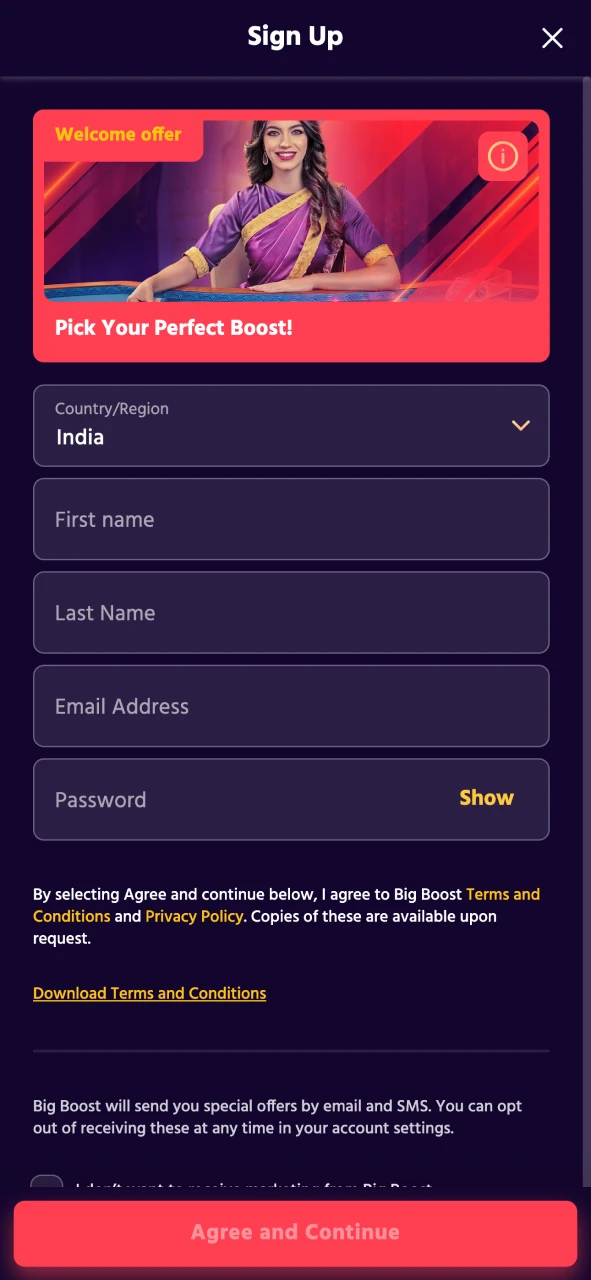
Below are screenshots of the application interface. The layout is simple and clear. The buttons are large enough for mobile use, and the whole interface is in the classic dark blue and red color scheme of Big Boost.
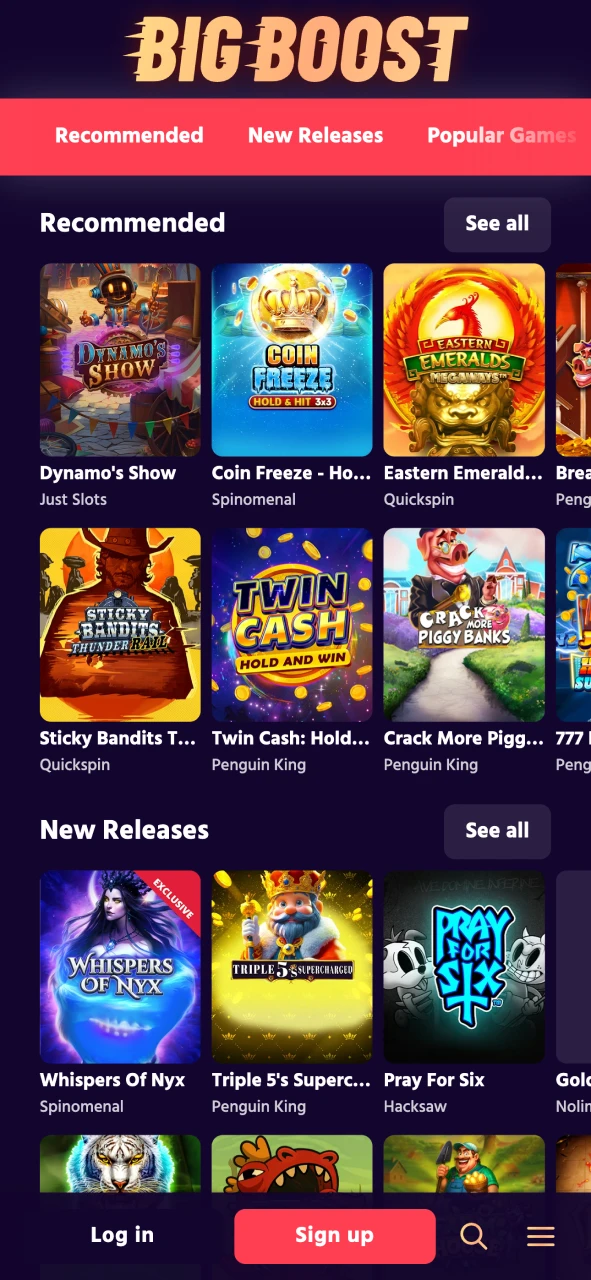
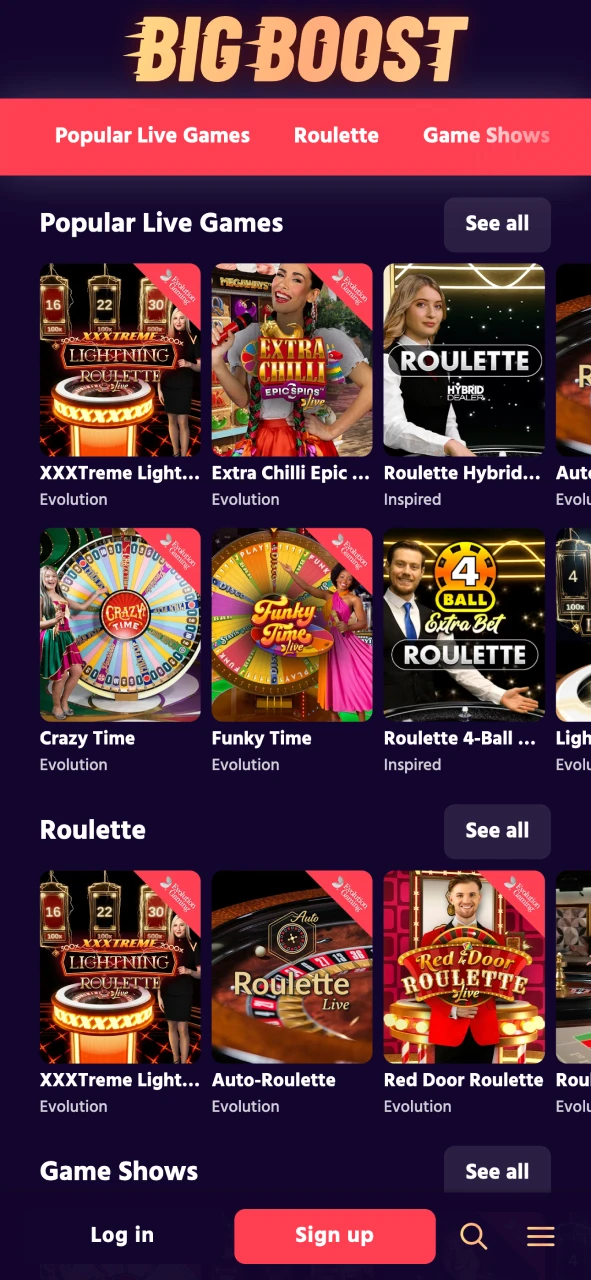
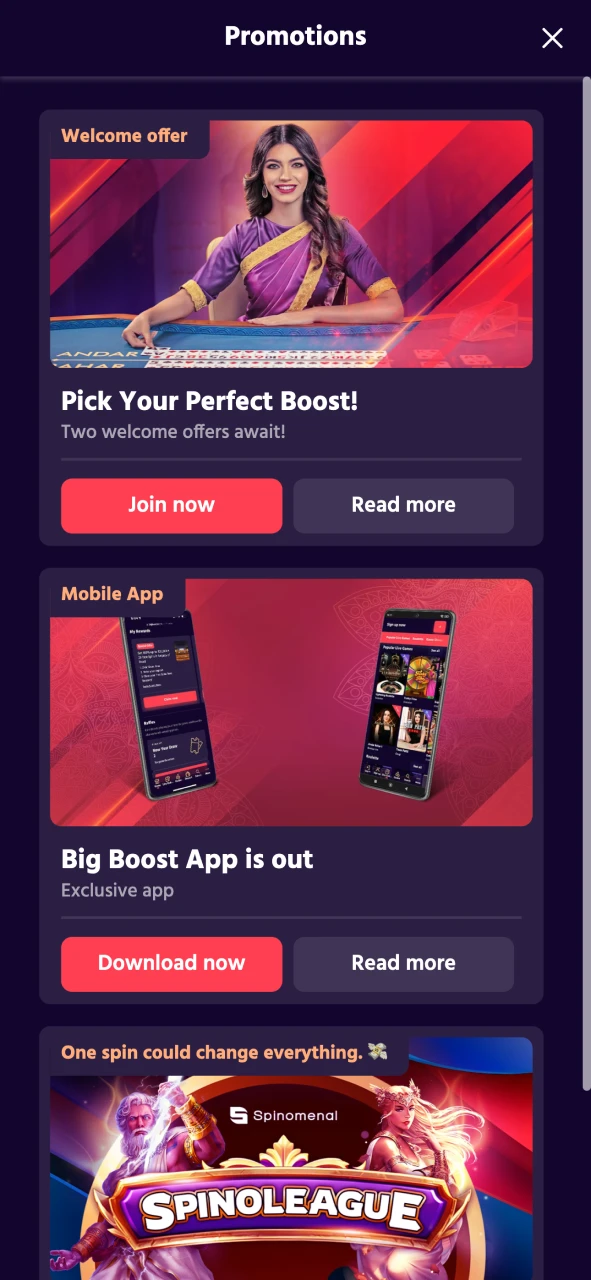
To start using the Big Boost app, Android users need to download the APK from the site. Follow these steps to install it safely and start playing in minutes:
Next, on the page that opens, click “Download Android Apk” and wait for the file to download.

Go to settings and enable “Installing applications from unknown sources” in the Security section.
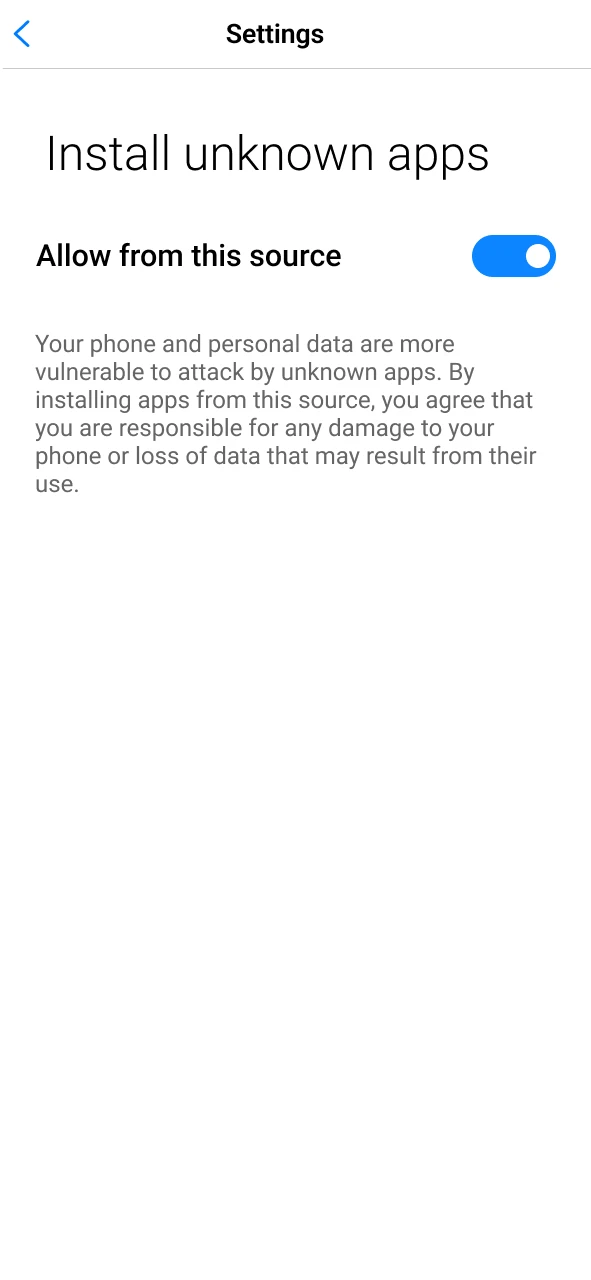
Once the APK is downloaded, open it from your phone’s file manager and confirm installation.
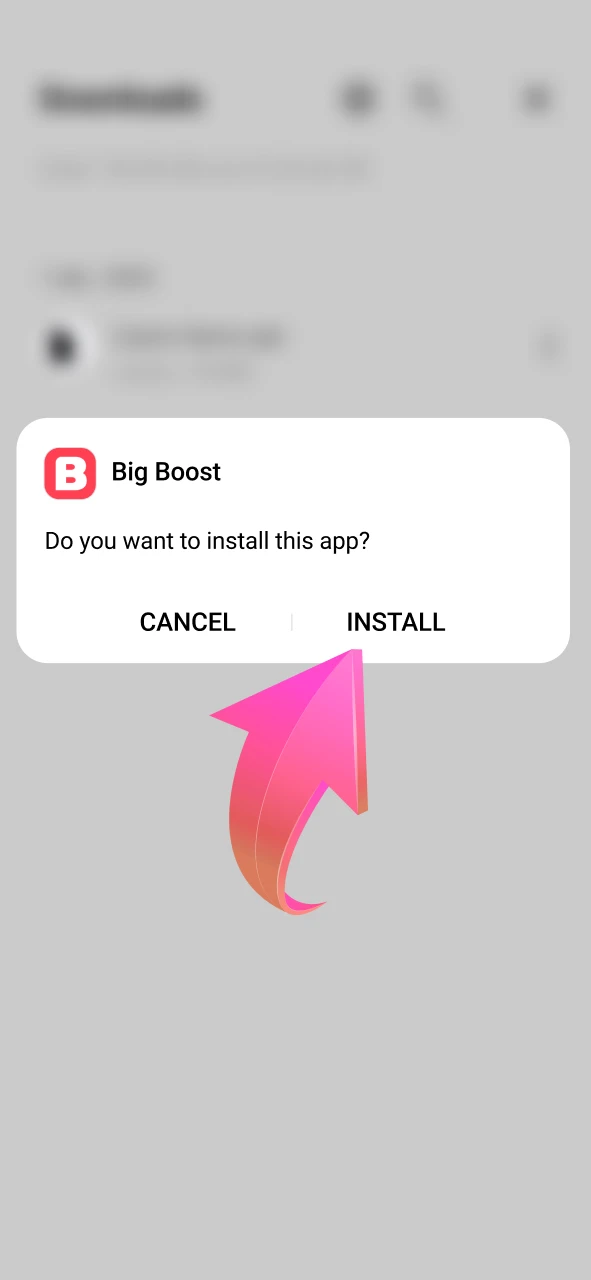
After installation, open the app, log in to your account, or register to start playing.
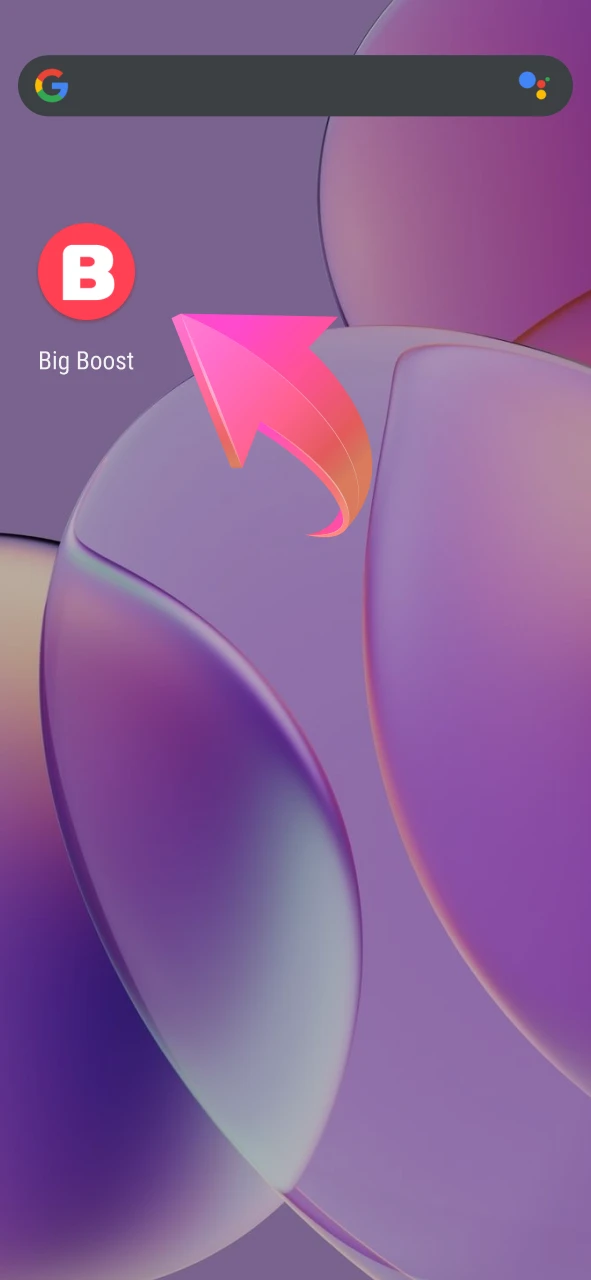
The Big Boost Android app works well even on older smartphones. Here are the technical requirements:
| Android Version: | 11.0 or later |
| Apk File Size: | 9,1 Mb |
| Required Memory Space for install: | 100 Mb |
| RAM: | 1 GB + |
| Processor: | 1,4 GHz |
| Compatible Devices for Android: | Moto G57 Power, Realme C83 5G, Realme Nazro 90x, Samsung Galaxy F10e 5G, Samsung Galaxy M17 5G, Oppo K13x 5G, Tecno Pova 7 5G, Poco M7 Pro, Vivo T4 Lite, Xiaomi Redmi 14C, etc. |
At the moment, our Big Boost team is working on a full-featured mobile app for iOS devices. While it’s under development, iPhone and iPad users can still enjoy all the games through the mobile version of the site. You can also add a shortcut to your home screen for quick access. Here’s how:
Click the “Download BigBoost App” button to start the download.
Click on the browser’s button below, and then on the “Share” icon.
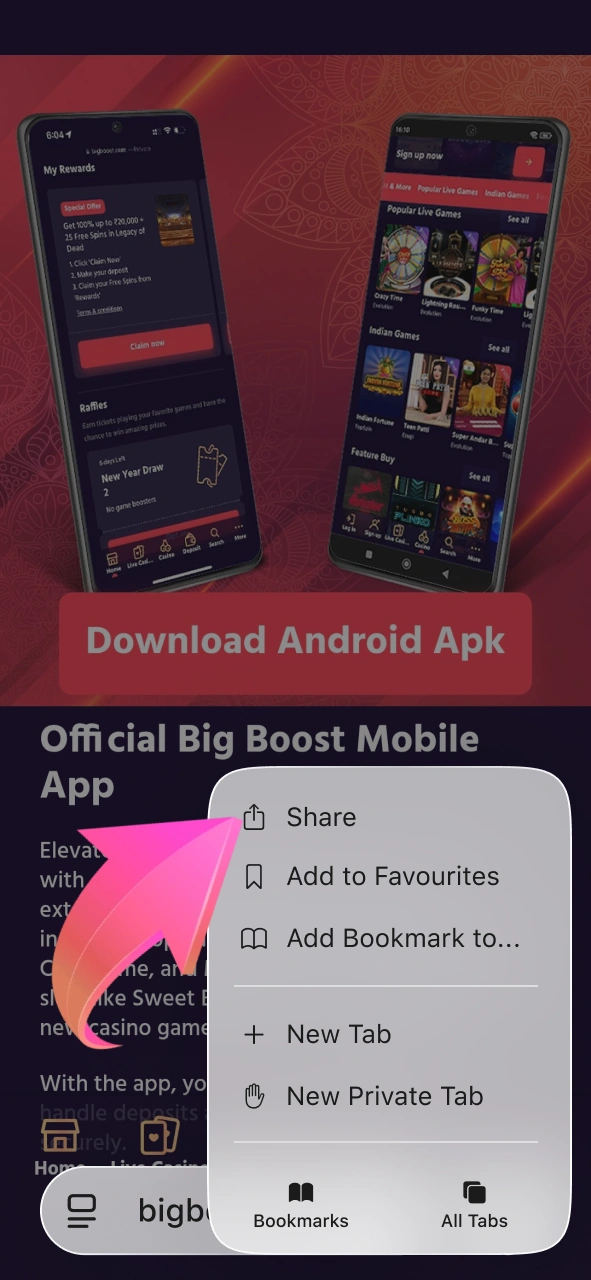
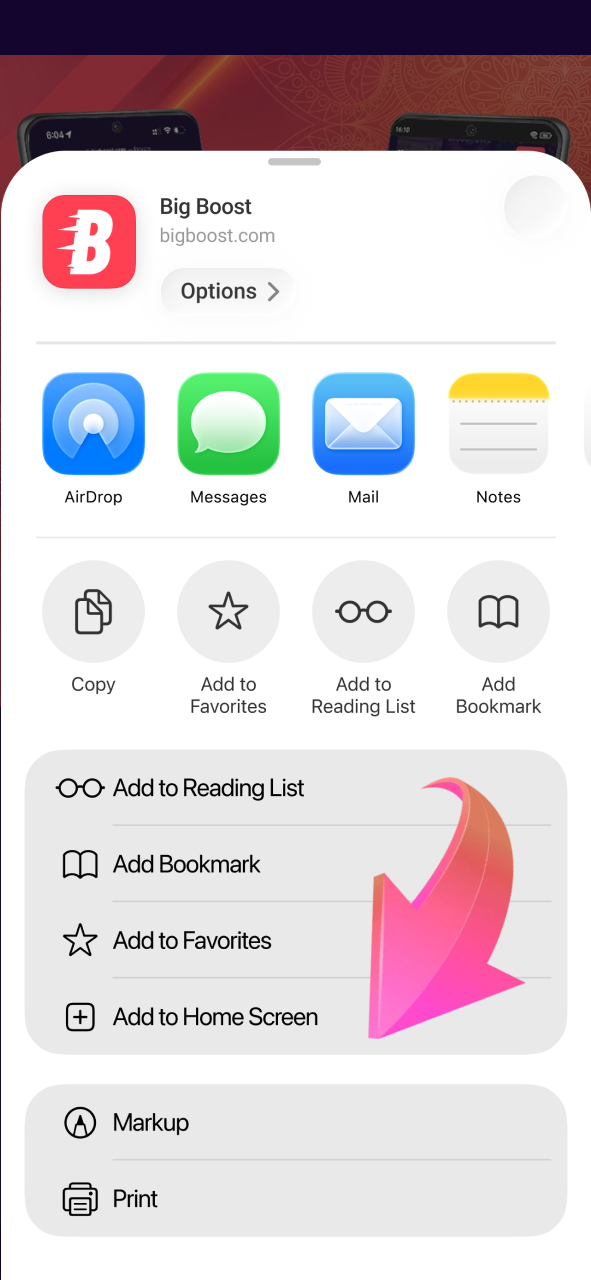
Select “Add to Home Screen” and confirm the shortcut name.
The Big Boost icon will appear on your screen. Tap it to launch the app.
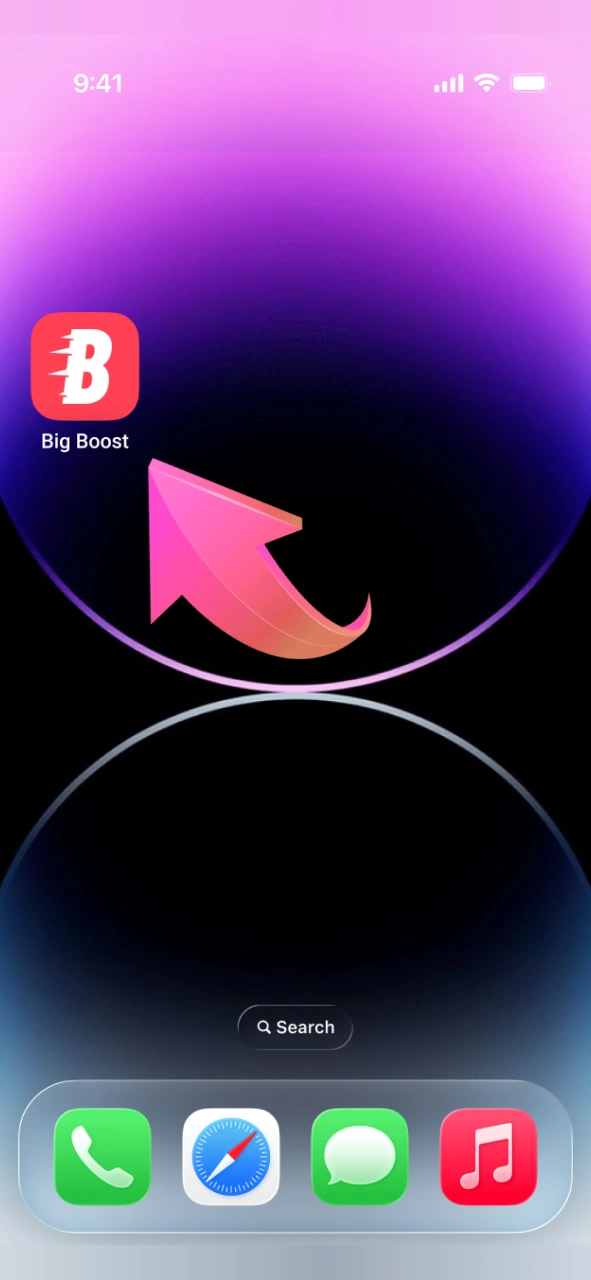
In order for the app to work without lags and crashes, the iOS device must meet certain parameters. In general, modern iPhones and iPads can handle it without problems, but if the gadget is old, it’s worth checking whether it fits the specifications.
| Operating system: | iOS 13.0 or later |
| Procesor: | Apple A11 Bionic and higher |
| RAM: | from 2 GB |
| Screen resolution: | 750×1334 (iPhone 6/7/8) and higher |
| Storage space: | – |
| Compatible Devices for iOS: | iPhone 8 and all newer models (iPhone X, XR, XS, 11, 12, 13, 14, 15, 16, 17), iPhone SE (2nd and 3rd generation), iPad Pro, iPad Air, iPad mini — all models released after 2018 |
To start playing in the app, you first need to create an account. The process is fast and simple:
After registration, verify your account by confirming your email and uploading an ID. This step is required to withdraw winnings securely.
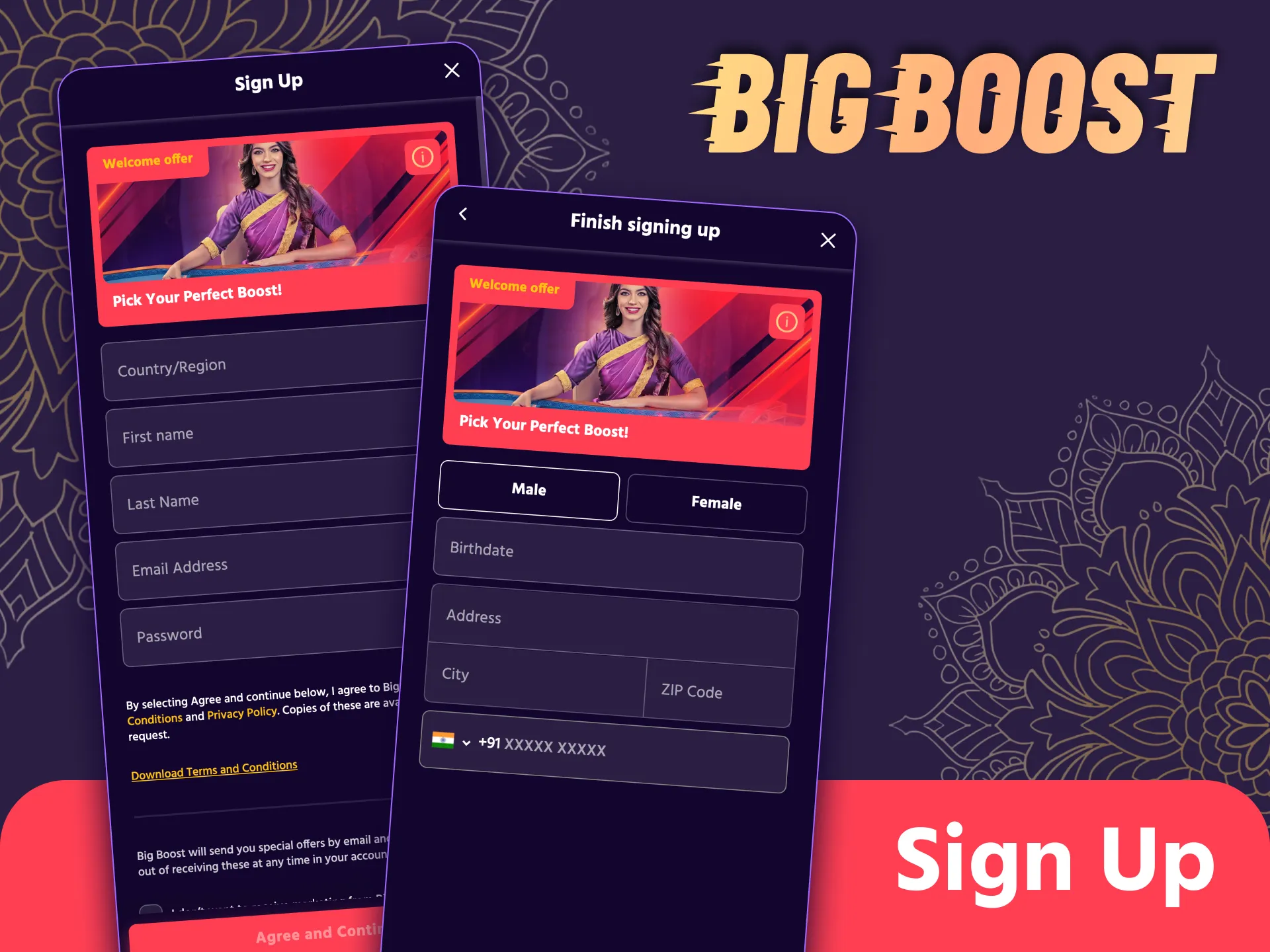
Once your account is created, logging in through the app takes just a few seconds:
You will then be redirected to the main page, where you can make a deposit, choose a game, or claim your bonus. Keep your Big Boost login details safe and avoid sharing them.

After registering in the app, every new Big Boost user can get a welcome package worth 200% up to INR 100,000. The Big Boost bonus is distributed among the first three deposits as follows:

100% up to INR 50,000

50% up to INR 25,000

50% up to INR 25,000
To activate the offer, make a minimum deposit of INR 500. The bonus has a 35x wagering requirement, and you must fulfill it within 7 days to withdraw your winnings.
You can play on Big Boost using either the mobile site or the Android app. Both platforms give full access to slots, live games, and your account. However, there are some key differences:
| Big Boost Mobile App | Big Boost Mobile Site |
|---|---|
| Requires download and installation | Opens instantly in any browser |
| Faster loading, smoother interface | May load more slowly depending on the connection |
| Works offline for browsing previously loaded content | Requires a stable internet connection |
| Push notifications for bonuses and updates | No push notification support |
| Stays logged in | Requires a login each session |
The Big Boost app gives Indian users a fast and easy way to play casino games on mobile devices. It provides access to all site features, works even on older smartphones, and supports quick deposits and withdrawals. However, there are a few limitations that users should know. Here are the main pros and cons:
Pros
Cons
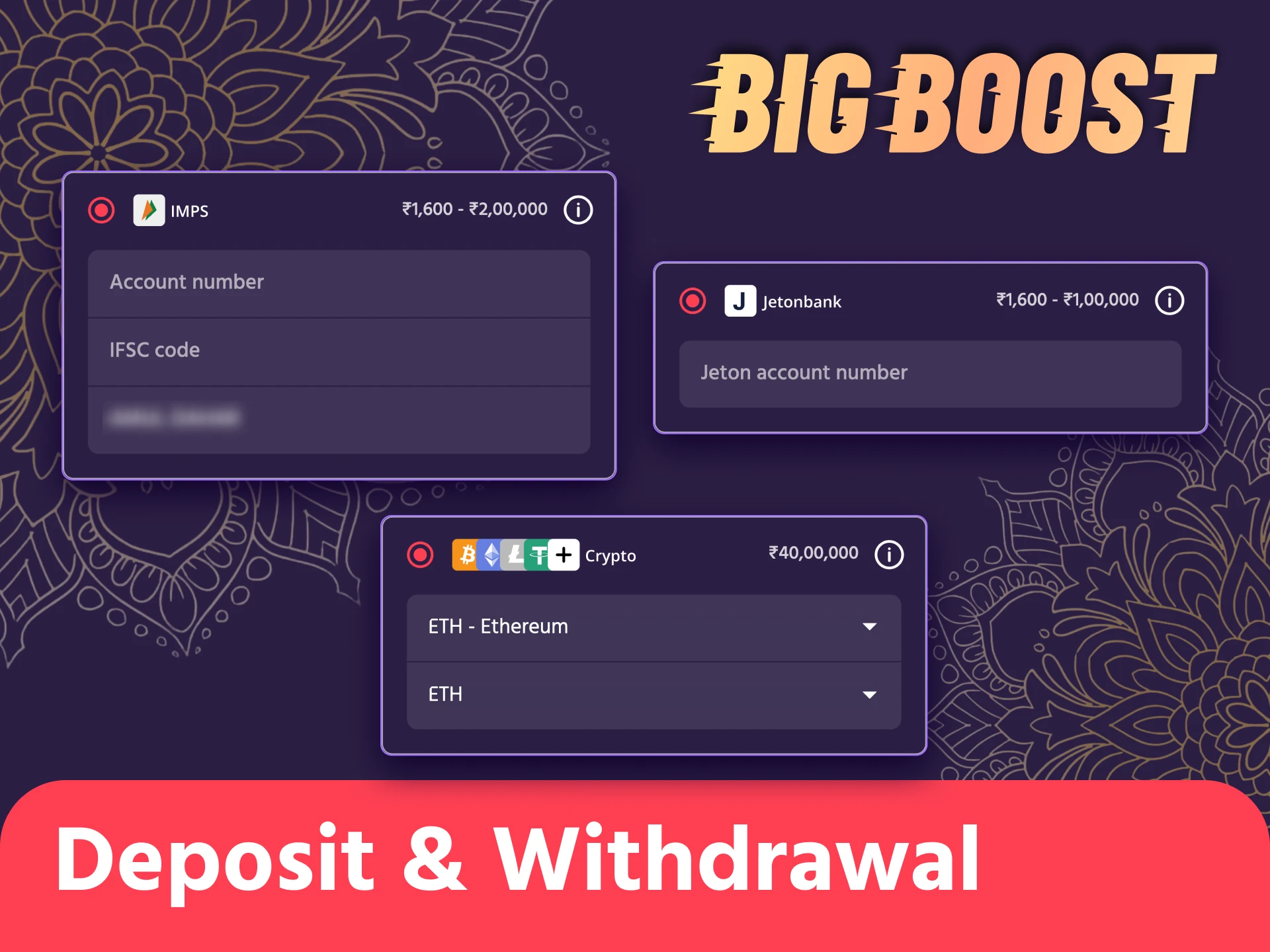
The app supports several convenient and safe payment methods for Indian users. You can deposit money at Big Boost and withdraw winnings without long delays. Here are the main methods available in the app:
The minimum deposit amount is 500 INR. For withdrawals, the minimum amount depends on the selected method (for example, 1,300 INR for crypto). Deposits are processed instantly, while withdrawals take up to 24 hours for fiat methods and up to 6 minutes for crypto.
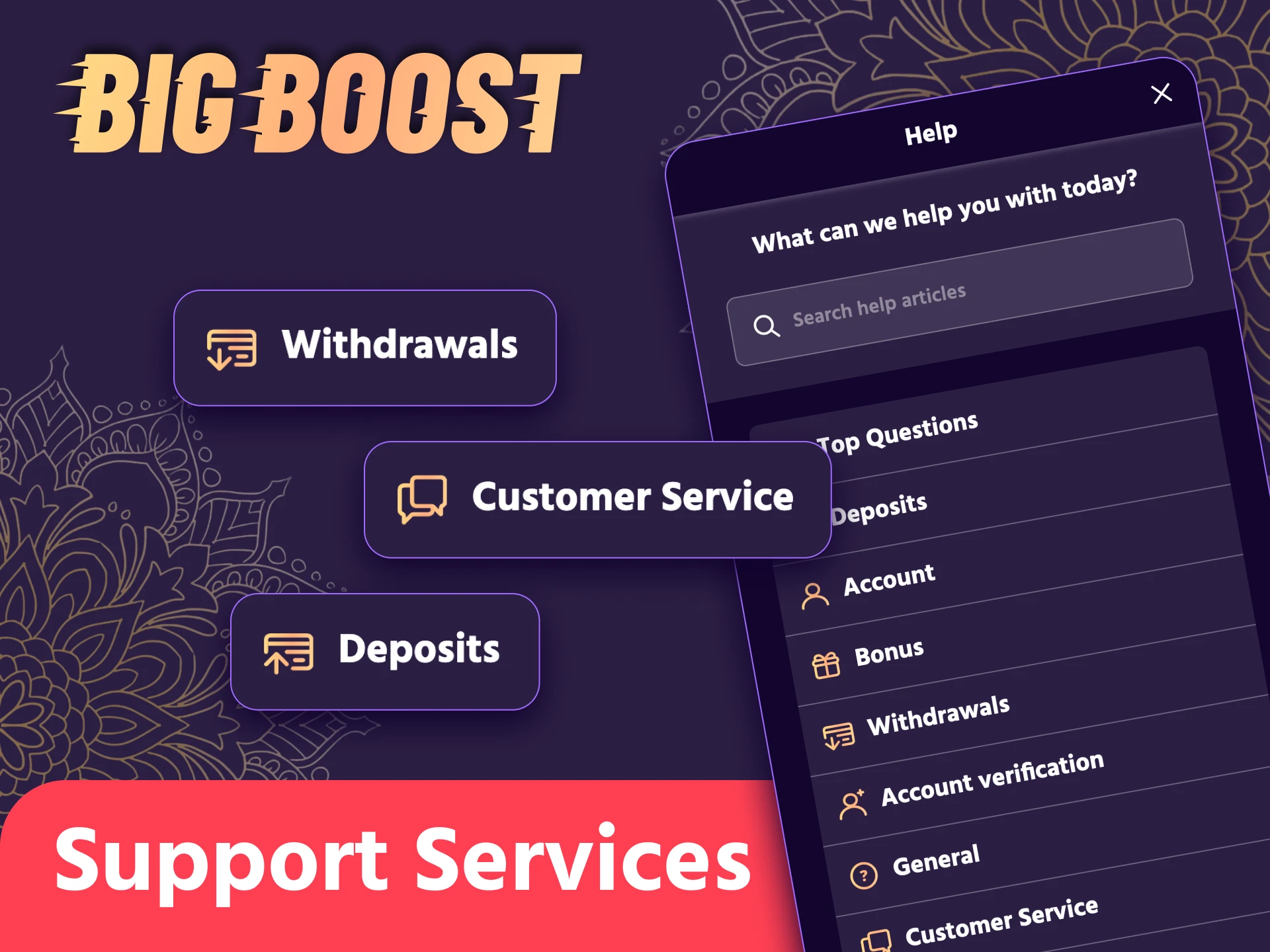
If you have any questions or issues, Big Boost support is available 24/7 right in the app. You can reach out to specialists in the following ways:
No, you can use the same account created through the website.
Yes, all live casino games are fully available in the app.
Only when a new version is released, you’ll see a notification inside the app.
Yes, the app is free to download and install from our website.
Restart your phone, check your internet connection, or reinstall the app. If the issue continues, contact support.
Updated:
Comments